
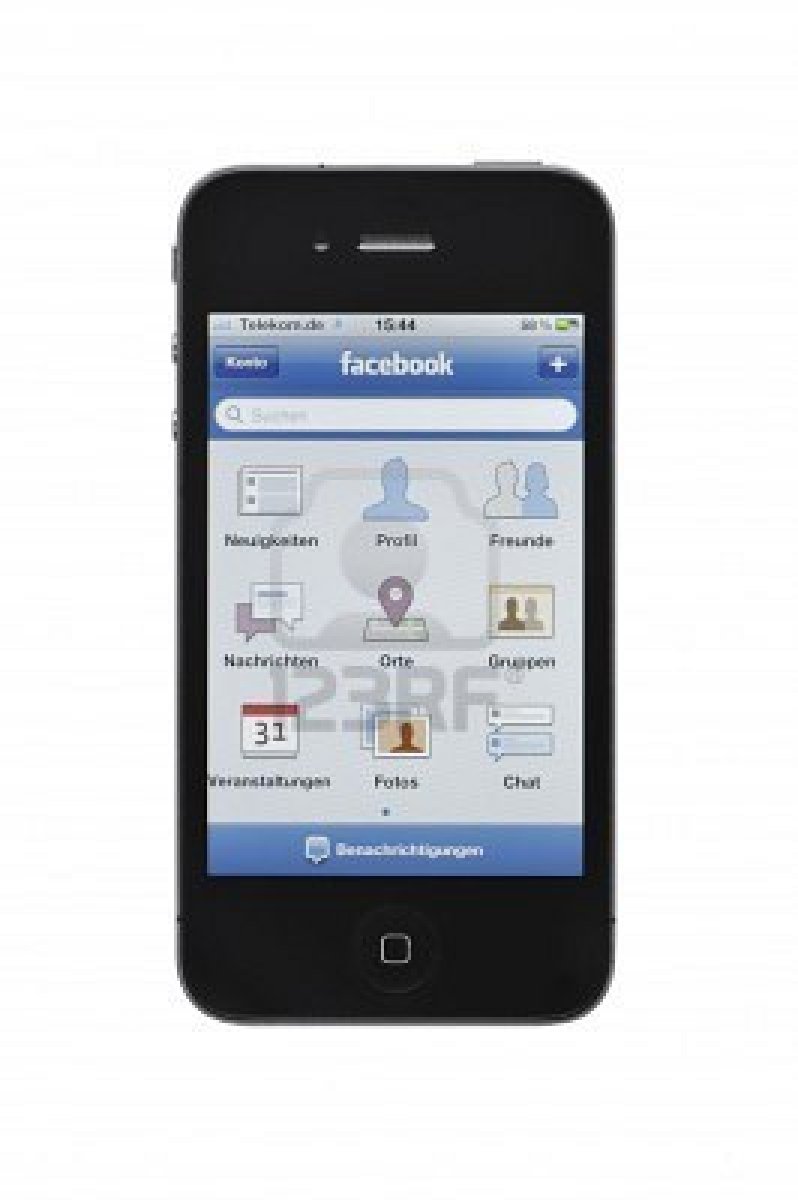

Facebook Apps for Mobile
Starting Facebook apps for mobile was a very overlooked topic at the recently passed f8 conference, and its really a wonder why. After recently running across Luke Shepard‘s developer blog post on starting Facebook apps for mobile, I discovered Facebook’s detailed plans to bring all of their apps to mobile devices. The following is what I discovered.
Facebook Apps for Mobile | Social Channels on Mobile
As you know, social channels such as News Feeds, Bookmarks, etc. are really what drive a lot of attention to newly created apps. Well up until recently, these channels were only present on the Facebook webpage via your PC and other webpages, that will all be revolutionized in the coming months with Facebook apps for mobile. Here are some of the ways that Facebook apps for mobile will reinvent these social changes:
Bookmarks
Bookmarks are one of the key re-engagement channels for Apps on Facebook. When a user engages with your app, a bookmark to your app is automatically added to a user’s main navigation on Facebook.
Now, people who use Facebook on the iPhone, the iPad, and the mobile web site (m.facebook.com), will get bookmarks to the [Facebook apps for mobile]. When users tap your app bookmark in our iPhone and iPad apps, we will launch it (if your native iOS app is installed). If your app is not installed, we will redirect the user to the App Store. On our mobile website (m.facebook.com) bookmarks will link to mobile web version of your app.
Requests
With the new Requests dialog for mobile, users can invite their friends to your [Facebook apps for mobile]. Friends can receive requests anywhere that your app is supported. For example, if a user plays a move in a game on Facebook.com, their friend can respond from her iPhone. As with bookmarks, users will tap the notification and land directly on the mobile version of your app, whether it is a native iOS app or a mobile web app.
News Feed
Users can already use the Feed dialog to share highlights from apps, but until now they have not been able to interact with those stories on their mobile devices. Now, people can see an interesting story on their mobile News Feed, tap the link, and land directly on the mobile version of your app, whether it is a native iOS app or a mobile web app.
Authenticated Referrals
Authenticated referrals is a new feature that ensures all referral traffic from Facebook to your app has users connected to Facebook. When users search and find new [Facebook apps for mobile], or taps on a News Feed story or a Request from a mobile app they haven’t previously used, they will be prompted to log in before going to the app. This feature grants you the opportunity to build a deeply personalized experience as soon as users arrive at your app.
Facebook Credits
Today, we are also extending Facebook Credits to support [Facebook apps for mobile]. Facebook Credits is a payment system that provides a safe, easy way for users to pay for virtual and digital goods. The same policies for Apps on Facebook apply to [Facebook apps for mobile], including the requirement to use Facebook Credits as their exclusive payment mechanism. Facebook Credits are not allowed in iOS apps or mobile web apps that are running within a Facebook iOS app.
https://developers.facebook.com/blog/post/575/
Facebook Apps for Mobile | How To Start
Currently there are roughly 350 million Facebook users that access the site from their mobile phone by both the web and through native apps. So we recommend when thinking about building Facebook apps for mobile that you use both native iOS and web apps in order to reach a broader spectrum of people.
A lot of you may already have developed native iOS apps, but have no fear the integration is quite simple. Just follow the following link for proper integration: iOS SDK. Its very easy to make your Facebook apps for mobile work across all mobile devices by simply using HTML5.
If you’d like to test run some of the Facebook apps for mobile that are already available, visit fb.me/mobileappshowcase on your mobile to take a test drive!